2026 hardware guide
What computer do you need for ZBrush and Blender
Before you spend a cent on hardware, there's one question that settles almost all the others: are you going to mostly sculpt in ZBrush, or mostly render in Blender? The answer completely changes which component deserves your money, because the two programs depend on different parts of the computer.
In this guide we'll explain why that happens, what you really need depending on your budget, and give you two ways to get there: building the PC piece by piece, or buying it already assembled and ready to turn on. You don't need to know anything about computers to make the right decision. You just need to understand what to look at. Whether you're picking a PC for Blender or for ZBrush, the logic is the same.
ZBrush listens to the CPU. Blender listens to the GPU.
Depends on the processor, not the graphics card
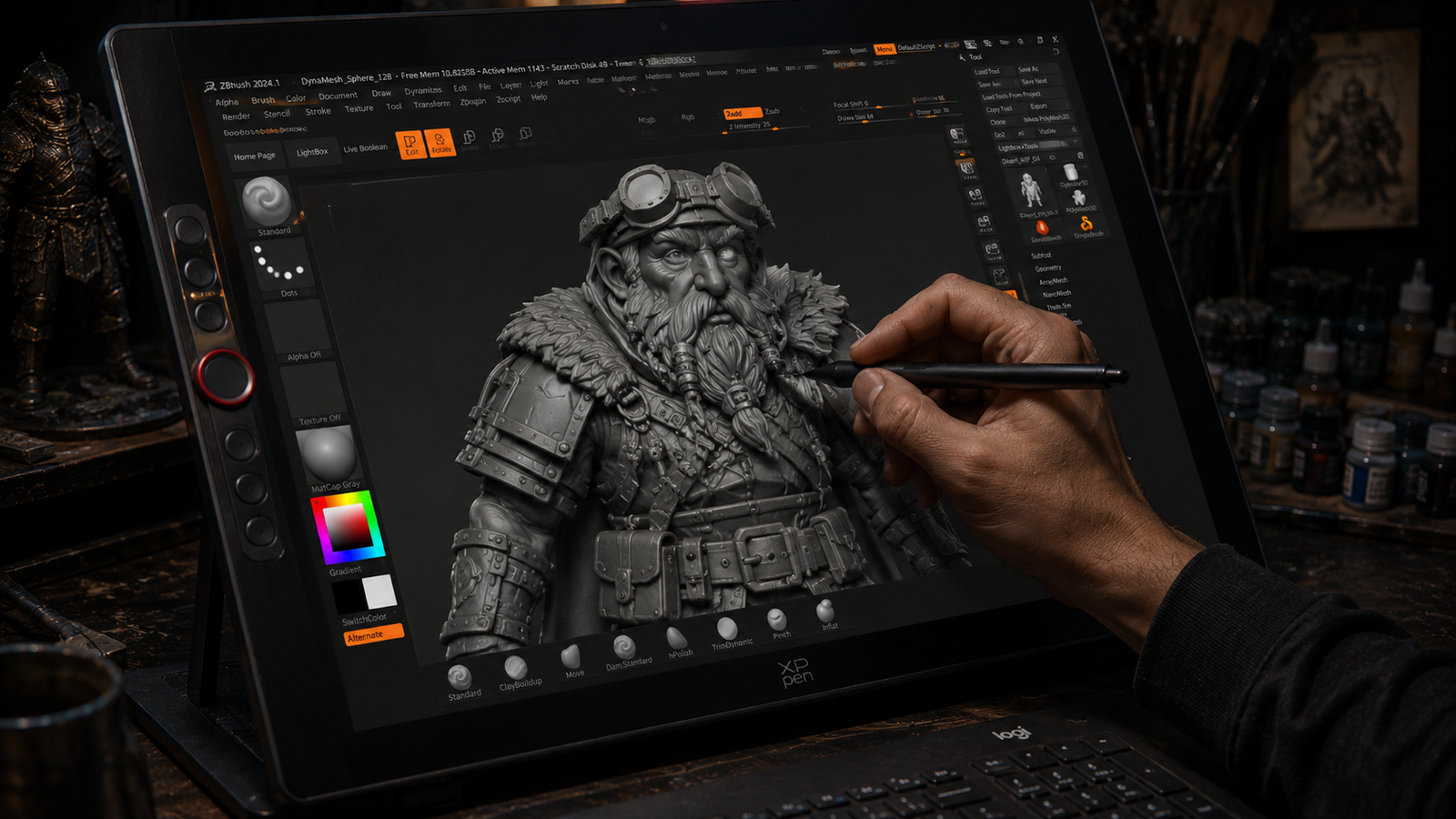
ZBrush doesn't draw the canvas the same way a video game does. It uses its own engine ("Pixol") that calculates the mesh deformation and updates it on screen sequentially as you sculpt. That sequence can't be spread across the thousands of small cores in a graphics card; it falls on a single CPU core. That's why what makes ZBrush feel smooth isn't the GPU, but the speed of a single processor core and its ability to boost in short bursts while the brush is active.
Depends on the graphics card for rendering
Blender's render engines (Cycles and EEVEE) do spread the calculation across thousands of cores in parallel, and there the GPU beats any processor by a wide margin. NVIDIA cards have the edge thanks to their OptiX technology, which accelerates ray tracing in hardware; AMD cards rely on a different platform (HIP) that in practice performs a little lower in Blender.
This doesn't mean ZBrush doesn't care at all about the GPU, or that Blender doesn't care at all about the CPU. It means that, if you have to prioritize spending, you know which way to lean depending on what you use most.
Requirements table by level
Before deciding on a budget, check which level your current project is at, or the one you want to reach.
| Component | Minimum (learning) | Recommended (serious projects) | High performance (film / VFX) |
|---|---|---|---|
| Processor | 4 cores | 8 high-frequency cores | 16-24 high-end cores |
| RAM | 8 GB (basic scenes only) | 32 GB dual channel | 64-128 GB high speed |
| Graphics card | 2 GB VRAM | NVIDIA with 12 GB VRAM | NVIDIA with 16-32 GB VRAM |
| Storage | 20 GB free on SSD | 1 TB NVMe SSD (PCIe Gen4) | 2 TB+ NVMe spread across several drives |
If your project doesn't exceed 30 million active polygons and you don't work with 4K/8K textures in parallel with Photoshop or Substance Painter, 32 GB of RAM more than covers most sculpting and miniature modeling work. The jump to 64-128 GB is only justified in professional film, AAA game or VFX production.
Three budgets, two paths: build it or buy it assembled
Whatever your budget, you have two legitimate ways to reach the same result. Building it yourself usually works out cheaper and lets you choose every part; buying it already assembled saves you the process and guarantees everything works together from the first power-on. Here are both paths at each level.
Entry · Student
~1.250 €Enough to learn, sculpt mid-complexity pieces and prepare files for 3D printing. It's not the level for film projects, but it more than covers learning and most miniature commissions.
A mid-range 6-core processor, 32 GB of dual-channel RAM, an entry-level NVIDIA graphics card with 8 GB of VRAM and a 1 TB NVMe SSD cover this level at no extra cost.
A machine with these specs comes ready to use, with nothing to assemble.
View on AmazonAffiliate link — no extra cost to you.
Balanced · Freelance
~1.500-1.750 €The sweet spot for freelance designers and sculptors who comfortably sculpt meshes of up to 30 million polygons and render in Cycles in reasonable times. It's the level we recommend if 3D modeling is your main activity.
An 8-core processor with good per-core frequency, 64 GB of DDR5 RAM, and a mid-to-high-range NVIDIA graphics card with 12 GB of VRAM is the combination that avoids CPU-GPU bottlenecks.
With 32 GB of RAM and an NVIDIA graphics card with 12 GB of VRAM, this machine more than meets the recommended reference for this level.
View on AmazonAffiliate link — no extra cost to you.
Advanced professional · Film and VFX
~3.000 €+Designed for game studios, high-polygon-density characters and cinematic renders with simultaneous physics simulations. For the vast majority of miniature and collectible artists, this level is more than you'll ever need.
A 16-core processor with support for advanced instructions, 128 GB of DDR5 RAM and a high-end NVIDIA graphics card with 16 GB of VRAM or more, splitting storage between a fast system/cache drive and a projects drive.
At this level, ready-made machines with these exact specs are less common as a fixed catalog product. The most reliable option is to search directly by the specs you need.
Search on AmazonAffiliate link — no extra cost to you.
Laptop or desktop?
Mobility has a real price in this kind of work: a laptop with specs equivalent to a desktop costs more and struggles more to sustain that performance without overheating during long sessions. Even so, there are high-end laptops with NVIDIA graphics cards of up to 16 GB of VRAM that handle serious projects perfectly well if you need to work away from home or in the workshop.
Choose a desktop if...
You always work from the same place, you want maximum performance per euro invested, and you don't mind losing portability in exchange for better cooling and more years of useful life before it falls short.
Choose a laptop if...
You need to take the machine to meetings, fairs or the workshop, or you simply don't have a fixed space for a desktop. Make sure the graphics card has at least 12 GB of VRAM: many "gaming" laptops cut video memory to lower the price.
What about a Mac? Blender runs well on Apple Silicon thanks to unified memory, which keeps you from running short of VRAM. ZBrush also has native support. The real limitation isn't performance but ecosystem: you won't have access to NVIDIA's OptiX acceleration, which remains exclusive to PC.
Prefer to have someone else handle the modeling?
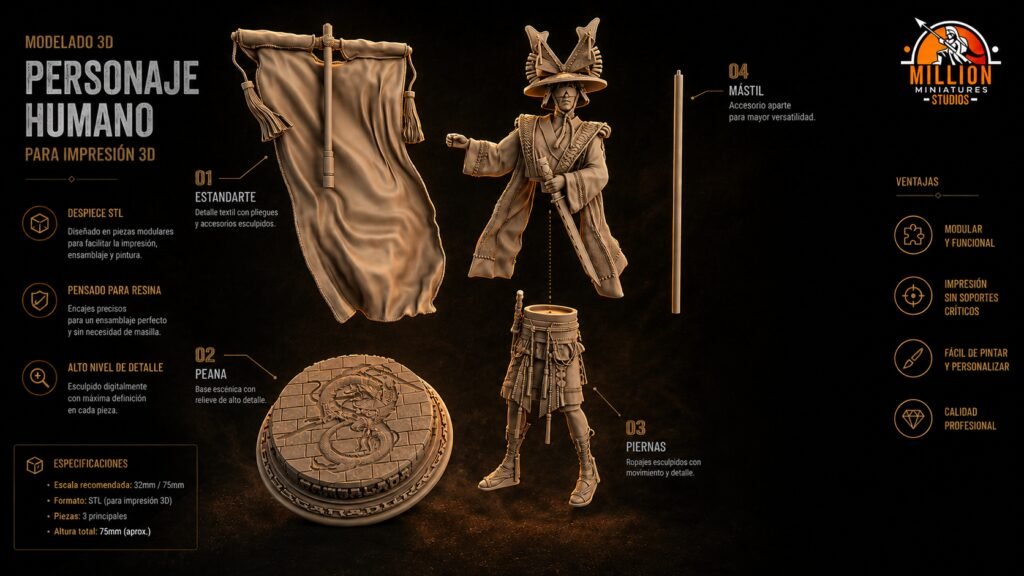
If after reading this what you need isn't to build a computer but to commission a figure or a 3D sculpture directly, at Million Miniatures Studios we take care of the whole process for you.
Online training
Before investing in hardware, learn how to get the most out of it
Blender for Beginners
Carlos Sifuentes
Learn to use Blender from scratch before deciding how much power you really need. Many learning projects don't demand nearly the hardware you think.
View courseAffiliate link — the course price stays the same for you.
Rendering Photorealistic Scenes
James Tralie
If your goal is to squeeze the most out of the graphics card you just bought, this course teaches how to get the most from photorealistic rendering.
View courseAffiliate link — the course price stays the same for you.
Frequently asked questions
Can my current PC run ZBrush?
Is Blender suitable for a low-end PC?
Does ZBrush demand more from the CPU or the GPU?
Which is better for Blender, AMD or Intel?
Is 32 GB of RAM enough for 3D modeling?
Is 64 GB of RAM overkill for Blender?
Where can I buy a prebuilt computer for ZBrush and Blender in Spain?
Do I need an expensive graphics card if I only want to prepare files for 3D printing?
Keep reading
Club MMS
Subscribe and get notified about new articles, collections and exclusive offers.